
Preserve one source through delivery
Ecommerce image optimization for product-image delivery
Keep product images sharp, consistent and crop-safe from the master file to every storefront slot, without rebuilding the same asset each time.
Start with one high-quality master and make a named version for each placement. You will learn how to choose the crop, dimensions, format and compression by what shoppers actually need to see.
Use the comparison workflow to catch soft detail, awkward crops, color shifts and unnecessary file weight before delivery, and create a new composition only when the master truly cannot serve the slot.
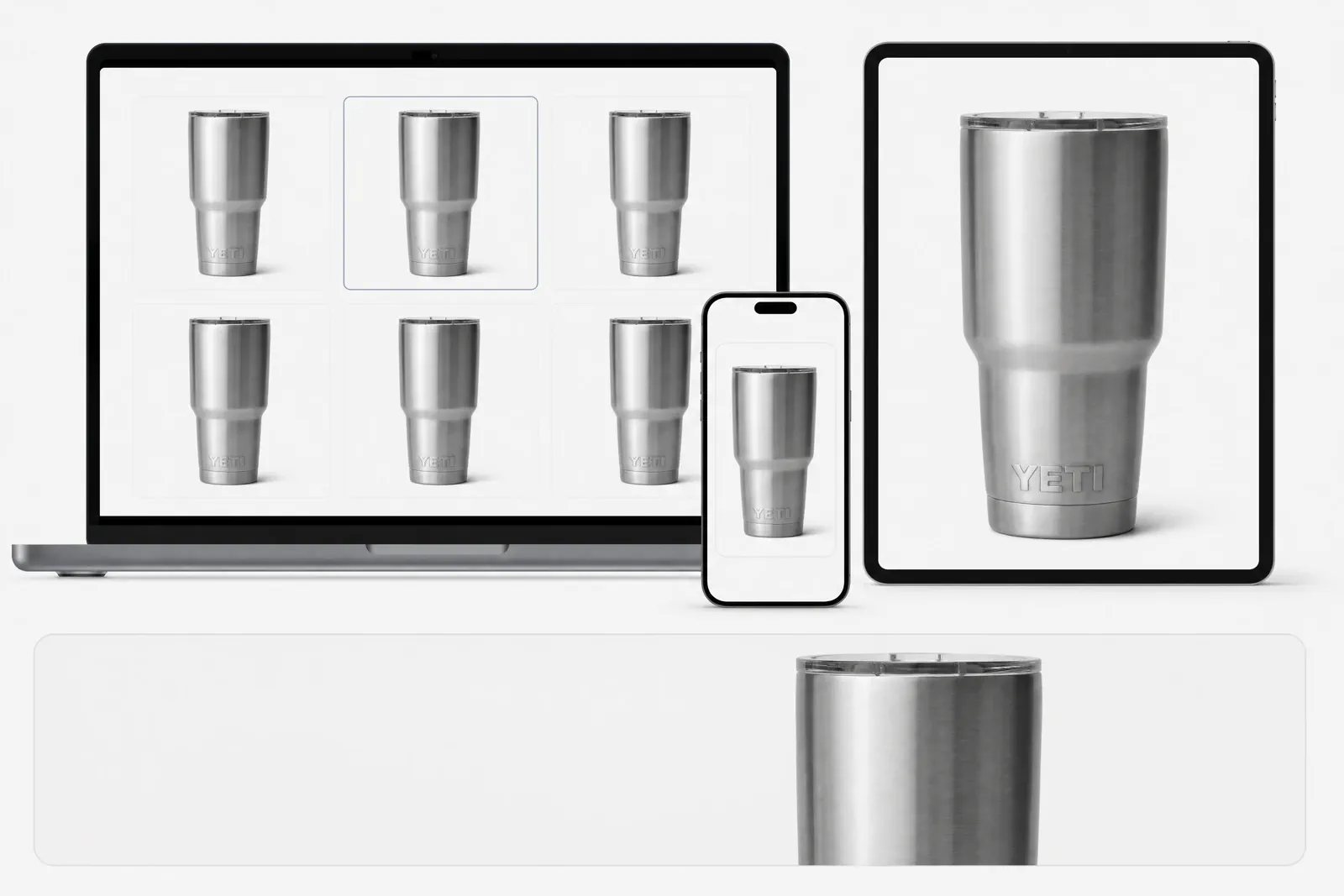
01 · Start at the storefront
Inventory the placements before exporting files
Decide what shoppers must see in each storefront placement. Pixel dimensions alone cannot tell you the final crop, product scale, or reading distance.
| Placement | Image job | Inspect in the real store |
|---|---|---|
| PDP hero | Identify the product and preserve the most important product detail. | Desktop and mobile crop, product scale, background, first-view clarity and zoom path. |
| PDP gallery | Add detail, scale/use, variation or another unanswered role. | Sequence, thumbnail recognition, crop consistency and duplicate information. |
| Zoom | Reveal useful source detail without inventing sharpness. | Rendered detail, source limits and whether the enlarged view adds information. |
| Collection card | Keep products comparable at a smaller reading distance. | Shared rhythm, product scale, edge clearance and label legibility. |
| Thumbnail | Remain recognizable when the available frame is small. | Silhouette, crop priority and whether the frame still differs from nearby items. |
Theme and device behavior can change the visible crop. Preview every important placement on desktop and mobile before final delivery.
02 · Protect the master
Create non-destructive derivatives for a named slot
Give every crop or export one clear purpose. Start each version from the full-resolution master instead of editing an already cropped or compressed derivative.
Preserve the full-resolution source with its color profile, approval state and product facts. Name the derivative for the placement it serves, then record crop coordinates, output dimensions, format, export settings and review result.
Review the derivative at the actual display size and at a larger inspection size. The first check asks whether the composition works in context; the second asks whether useful product detail was damaged or merely enlarged.
Switch the frame to inspect subject and crop safety
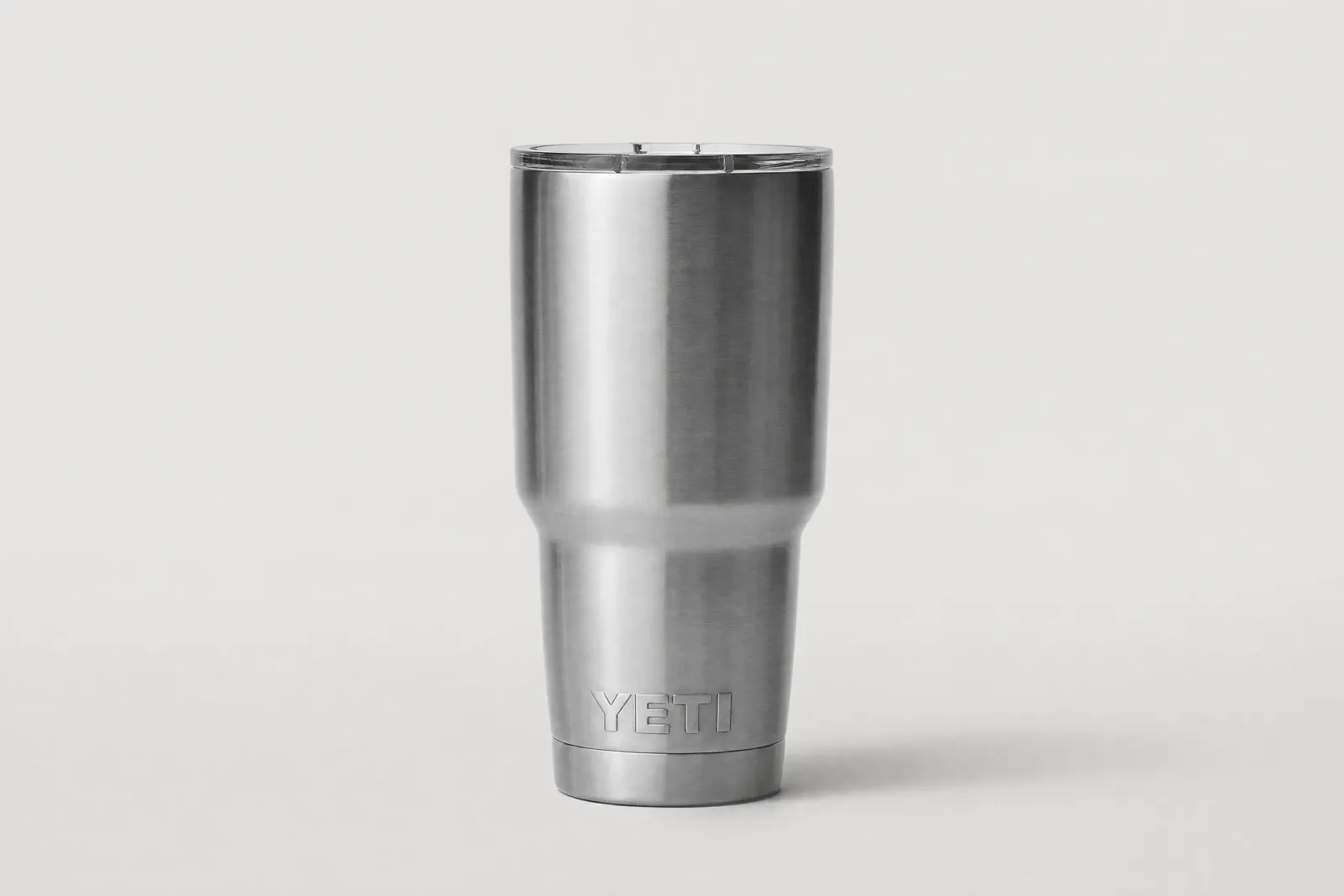 Central safe area
The live frame changes around one approved master so crop decisions remain traceable and reversible.
03 · Test the file
Choose format and compression with controlled exports
Compare files created directly from the same master. Hold crop and dimensions constant while changing one export variable, then inspect bytes, transparency or color needs and visible product detail.
| Decision | Keep fixed | Review before approval |
|---|---|---|
| Format | Master, crop, output dimensions and visible content. | Current storefront support, transparency need, color result and rendered preview. |
| Compression | Format, crop, dimensions and viewing conditions. | Fine texture, edges, gradients, labels and the actual byte difference. |
| Dimensions | Master, crop, format and export quality. | Whether additional pixels reveal useful source detail in the target slot. |
| Color profile | Master, crop, format and dimensions. | Visible color in the intended workflow and whether conversion creates a material shift. |
There is no universal quality number in this guide. Approve the smallest tested file that preserves the required information in the named placement.
04 · Make the decision repeatable
Prepare a delivery record with source lineage
The file should arrive with enough context for a merchant, designer or developer to place it correctly and recover the previous version.
Identity
Record product or SKU, approved master ID, derivative filename and version. Preserve the original; never overwrite it with the delivery crop.
Placement purpose
Name the store, theme/build, slot, viewport context, crop intent and the product detail that must survive.
Export record
Record dimensions, format, color profile, bytes and the settings that changed from the master.
Accessibility
Provide a concise alt description when the image communicates content. Describe the product and relevant visible information without keyword stuffing.
Approval and rollback
Keep the preview, the chosen file, the reason it was selected, and the previous usable version so a bad update can be reversed quickly.
05 · Inspect the real result
Upload to the named storefront and record what happens
Use the same product, store, theme, and theme version throughout the comparison. Upload the real file and inspect the rendered result instead of judging from an isolated mockup.
01Approve
The product remains clear in desktop and mobile contexts, useful detail survives, catalog scale is consistent and no unexpected processing changes the decision.
- Record viewport and test date
- Keep submitted and rendered files
- Link the preview to the derivative record
02Revise the derivative
Change crop, export or color preparation when the master still contains the required information and the problem is traceable to that derivative.
03Create a new composition
Choose a new source-led visual only when the placement needs an image role or crop-safe composition the approved master cannot supply.
04Escalate the implementation
Send responsive markup, theme behavior, CDN or performance issues to the storefront implementation owner rather than presenting another image export as the fix.
06 · Transfer carefully
Start a new test when the platform changes
The master-file discipline can transfer, but slot behavior, platform recommendations and upload processing require a separate current source and preview test.
Continue the Shopify test
Use the Shopify Size Guide for current product-media guidance and the theme-aware crop decision.
Start an Amazon rule review
Use the current Amazon Requirements Guide rather than transferring the Shopify worked example into a marketplace claim.
Start an Etsy listing-photo test
Use the Etsy Size Guide for current listing-image guidance, crop and preview diagnosis.
Questions that need judgment
Frequently asked questions
These answers cover the exceptions and review tests that still depend on context.
How do I choose a compression level without a universal quality number?
Create controlled exports directly from the same master, changing only the compression setting. Compare bytes and the product details that matter at the real slot size and at an equivalent inspection size. Approve the smallest tested file that preserves those details; document the settings rather than turning one slider value into a rule.
When do different placements need different crops rather than one shared aspect ratio?
Use separate crops when reading distance, slot shape or the image role changes enough that a shared crop removes essential product information or creates inconsistent product scale. Keep a shared catalog rhythm where it helps comparison, but record a justified exception when the product shape or placement needs it.
How can I tell whether a larger source file adds useful detail?
Compare the source and derivative at equivalent displayed scale. A larger source is useful when it contains real texture, edge or label information the placement can reveal. It is not useful when the extra pixels only enlarge blur, compression artifacts or missing capture detail.
One master, more placements
Create crop-ready ecommerce variations without reshooting the product
Use one clear master in Adyvi to create compositions for product pages, collection cards, mobile layouts, and campaigns—with the product scale, crop room, and negative space each placement needs.
Create my next ecommerce composition