
Product photography fundamentals
What is product photography?
If polished product images still leave shoppers unsure, give every image a clear job: identify the product, prove a detail, show scale or use, or create desire.
This guide helps you match each image to a shopper question, so your gallery answers doubts instead of repeating the same beauty shot.
You will learn four practical image roles, how to review them, and when to capture a new source or extend a clear product photo into another visual direction.
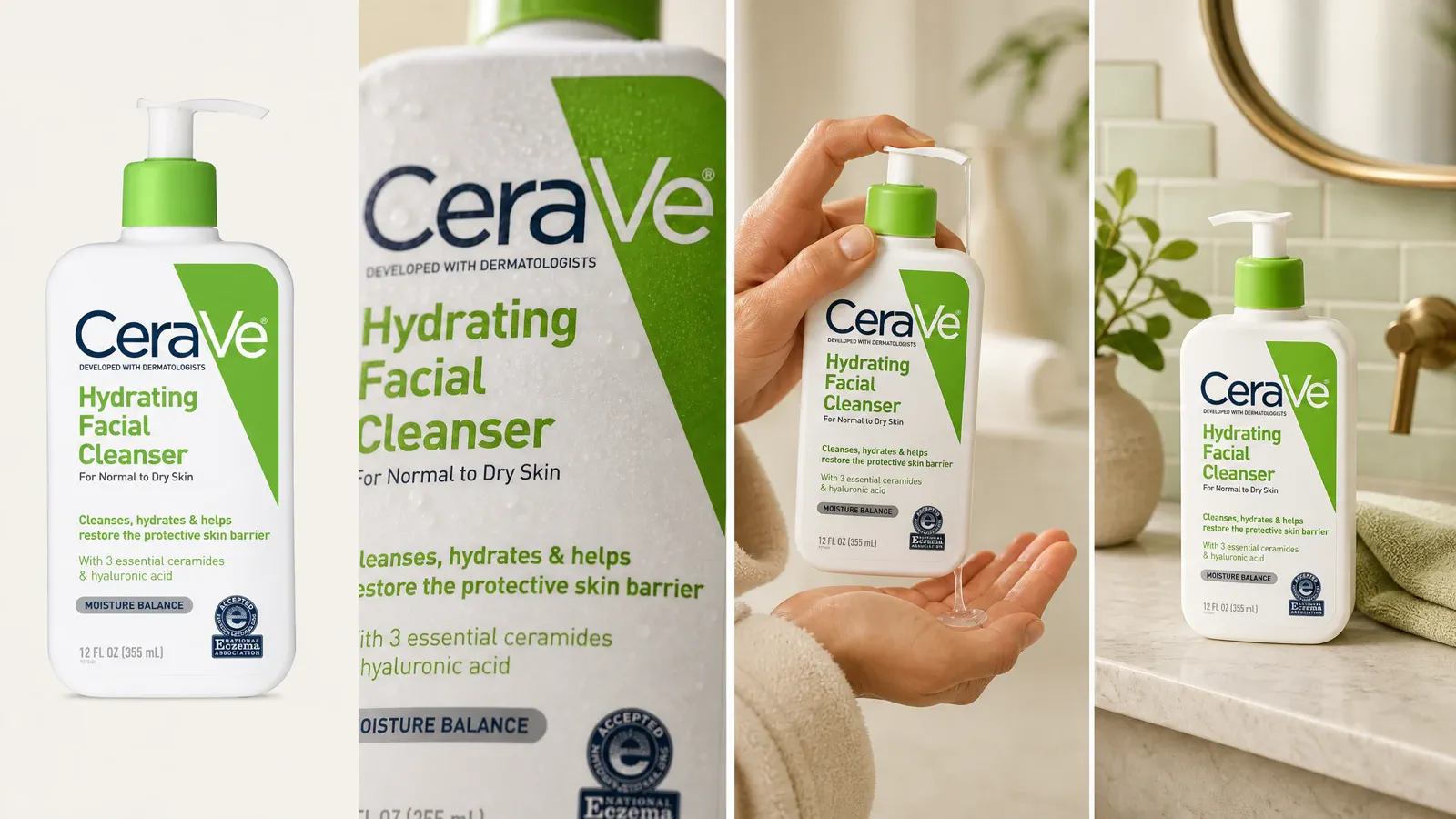
One product, four jobs
Plan image roles before planning a gallery
Start with the decision the image must support. A coherent set can use the same product across four roles while changing the framing, distance, or setting for a clear reason.
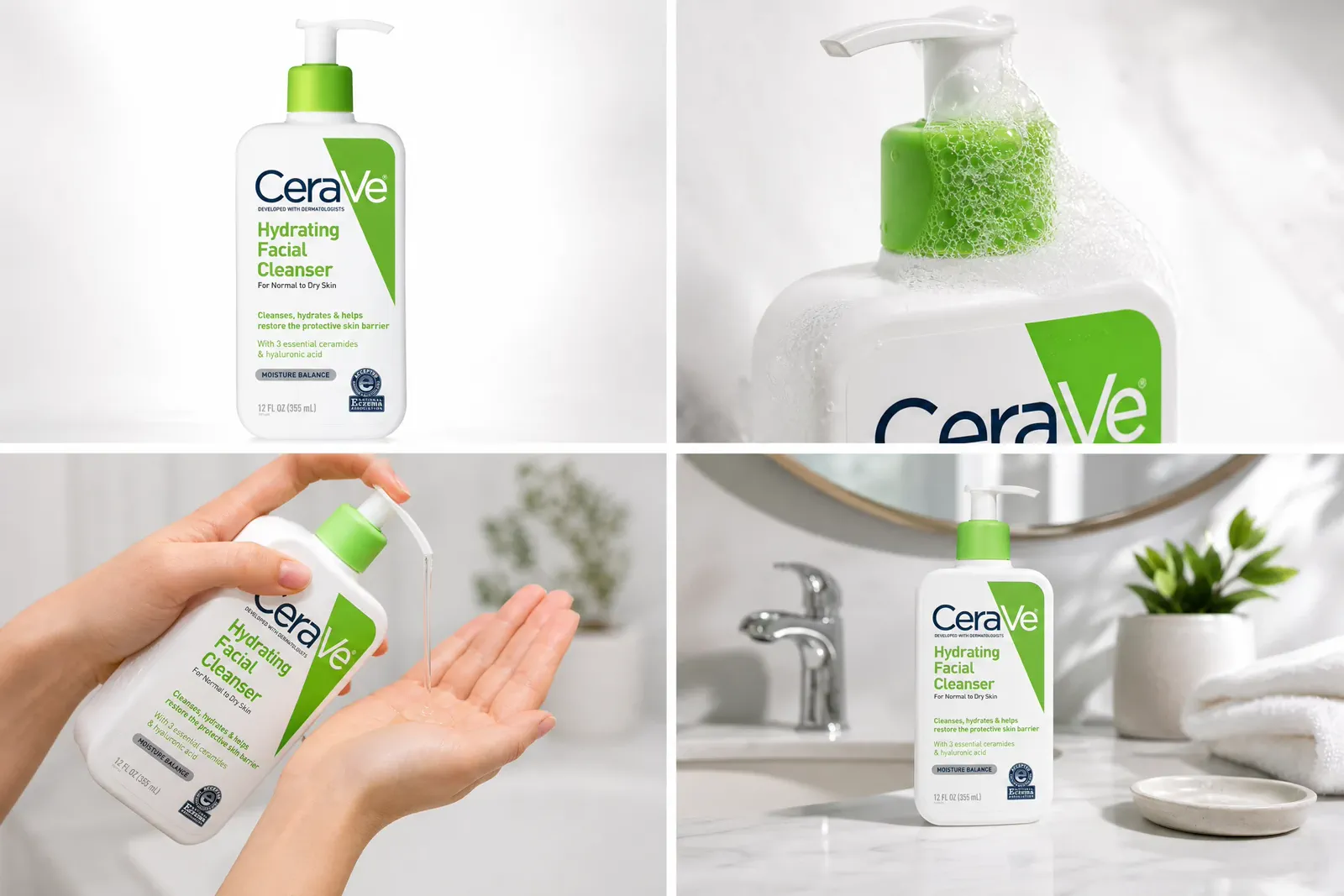
Identity
Help the viewer recognize the item
Show the silhouette, color, proportions, and defining features without visual competition. This is often the first image in a listing or collection, where clarity matters more than atmosphere.
Detail
Reveal construction and material
Move close enough to answer a factual question about texture, finish, controls, stitching, labels, or included parts. A detail frame should prove something the identity image cannot.
Scale and use
Make size or operation understandable
Use a hand, body, familiar object, measured environment, or clear action only when it makes scale or use less ambiguous. The reference must not create a misleading impression.
Atmosphere
Connect the product to a setting
Add context, light, and composition that support a campaign or brand idea while preserving the product’s factual identity. The scene should add a reason to care, not hide the product.
Review criteria
What every useful product image must communicate
Style can change, but the product still needs to remain accurate, legible, and suitable for its destination. Review visible facts before judging whether the image feels polished.
| Criterion | Review question | Why it matters |
|---|---|---|
| Product accuracy | Do shape, color, material, label, quantity, and included parts match the real item? | A visually strong image is still unusable when it changes a product fact. |
| Information priority | Can a viewer tell which feature or question this frame is meant to answer? | Each image should earn its place by adding information or a distinct commercial role. |
| Crop resilience | Does the important product area survive the intended desktop, mobile, and thumbnail crop? | An image that works at full size can fail when its placement changes. |
| Context and scale | Does the setting clarify use without inventing an unsupported claim or confusing scale? | Context should reduce uncertainty rather than introduce it. |
| Set coverage | Does this frame answer a question that no other selected image answers? | Removing duplicate roles creates a shorter, more useful image set. |
Production overview
Move from a commercial question to a reviewed image
The production method may vary, but a reliable workflow makes the image job explicit and includes a factual review before export.
Define the image job
Write the placement, audience question, product fact that must remain visible, and the decision the image should support.
Prepare the product and production method
Choose physical capture, a studio partner, a source-led creation workflow, or a combination. Confirm that the available source can show the details the brief requires.
Capture or create deliberate options
Vary only what helps evaluate the brief. Keep product identity and required facts consistent so the options can be compared honestly.
Select and edit with restraint
Choose the frame that answers the intended question, then correct exposure, color, crop, dust, or distractions without changing the product into something it is not.
Export and review in context
Check the actual placement, mobile crop, detail visibility, file quality, rights, and any platform-specific requirements before use.
Worked review
Find the missing image instead of adding another variation
Review the set as a sequence. The goal is not to reach a fixed image count; it is to remove unresolved customer or campaign questions.
Recognition
Is there one frame where the product is immediately recognizable at the intended viewing size?
Priority detail
Can the viewer inspect the material, feature, finish, packaging, or included part most likely to affect the decision?
Scale or use
When size or operation is not obvious, does one frame make it believable and easy to understand?
Crop and placement
Does each selected image survive the real collection, detail, marketplace, email, or campaign placement?
Distinct role
If two images answer the same question, keep the clearer one and turn the uncovered question into the next brief.
Learning path
Take the unresolved question to the right next guide
Once the image-role review exposes the gap, continue with the guide that owns that decision instead of expanding this orientation page into a shooting, setup, ideas, or budgeting manual.
Complete the capture workflow
Use the full how-to when the next task is shot planning, capture, selection, editing, and export rather than category orientation.
Build a repeatable physical setup
Use the setup guide when product position, background, camera, light footprint, or repeatability is the unresolved problem.
Develop the missing visual direction
Use the ideas guide when the set covers factual product questions but still lacks a purposeful creative or campaign role.
Choose a production method and budget
Use the cost guide when deliverables are defined but the team still needs to compare scope, responsibilities, quotes, or production methods.
Questions that need judgment
Frequently asked questions
These answers cover the exceptions and review tests that still depend on context.
When can one product image serve several placements?
Reuse can work when the product remains clear at each reading distance, the important area survives every crop, the background does not become confusing at smaller sizes, and no placement requires different text or safe areas. Preview the actual desktop, mobile, and thumbnail slots. If the crop removes a defining feature or the placement needs a different image role, create a derivative or a new frame instead of forcing one master everywhere.
Does a generated product scene need a different truth review from a captured photo?
Before publishing, quickly compare the generated result with the source image and confirm that the product silhouette, color, label, included parts, and intended scene remain accurate. Use the real product and its verified information as the reference for both captured and generated images.
When should I shoot, hire a photographer, or use a source-led AI workflow?
As long as you have one clear, accurate source photo, Adyvi can extend it into ecommerce, lifestyle, and advertising scenes. Capture that source yourself or use an existing product photo. For regulated claims or strict technical records, use verified product documentation as the source of truth.
One clear photo, more ways to sell
Turn one product photo into a complete selling story
Upload a clear phone or camera photo. Adyvi can turn it into a clean product-page image, a detail or scale view, a lifestyle scene, or an ad visual—without another shoot for every image.
Create my product image set