
 MADE WITH ADYVI
CONTEXT
Where does it fit?
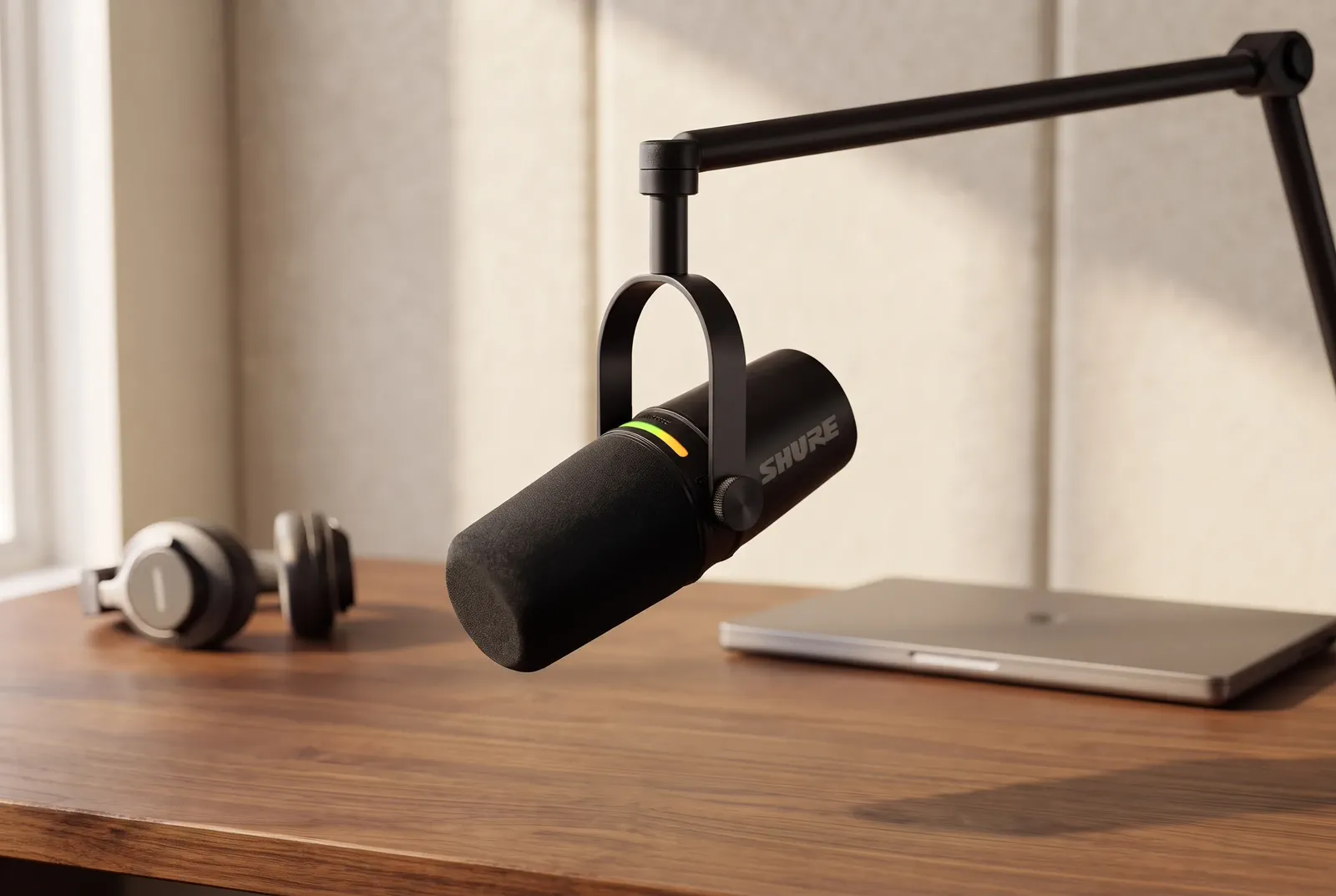
A believable desk explains the product role without turning the scene into decoration.
DIRECTION
“Place it in a focused creator workspace. Keep the complete product central.”
BUYER-QUESTION IMAGES
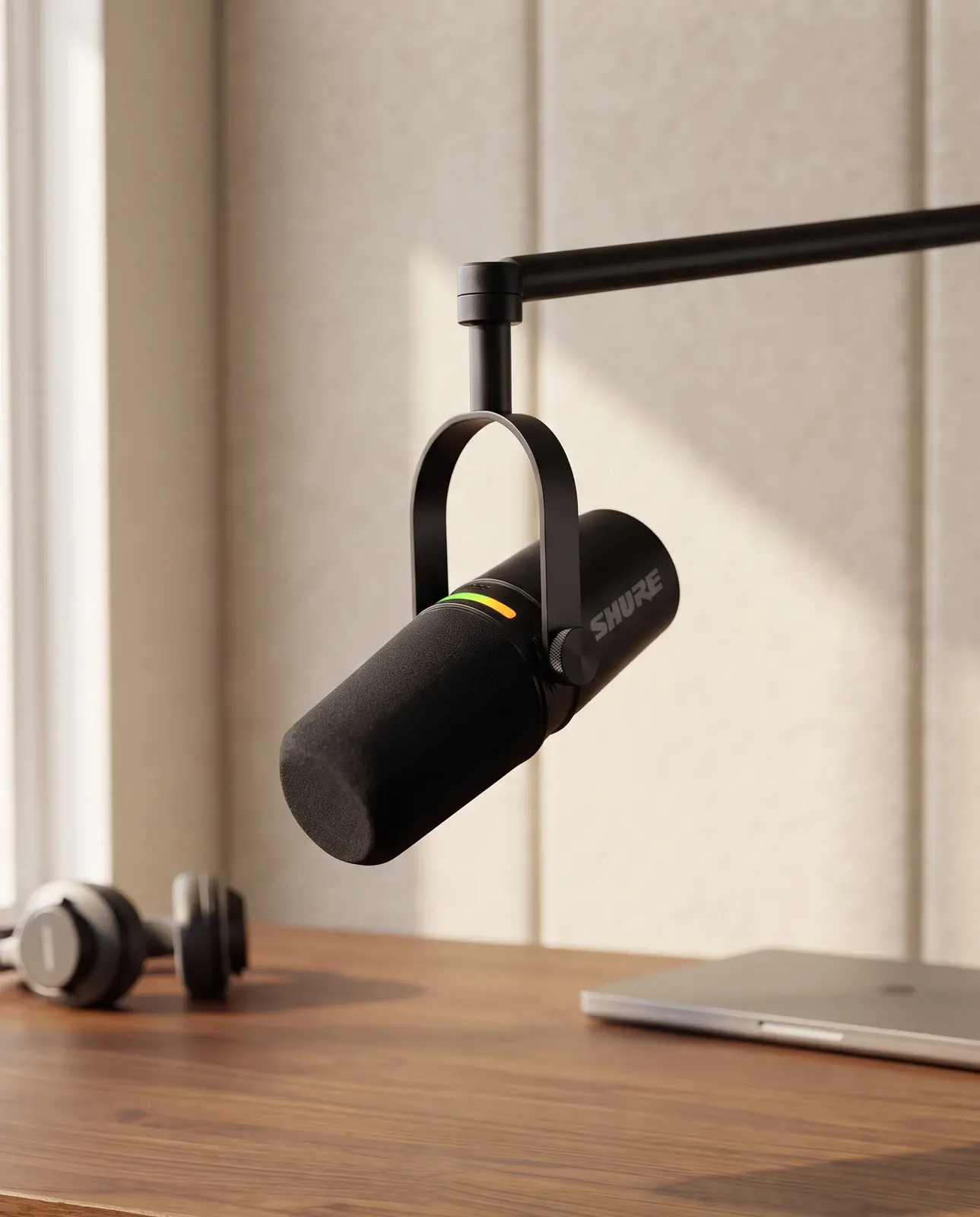
A supporting image should not decorate the listing. It should answer one question about context, material, use, or scale while keeping the product unmistakably central.
 MADE WITH ADYVI
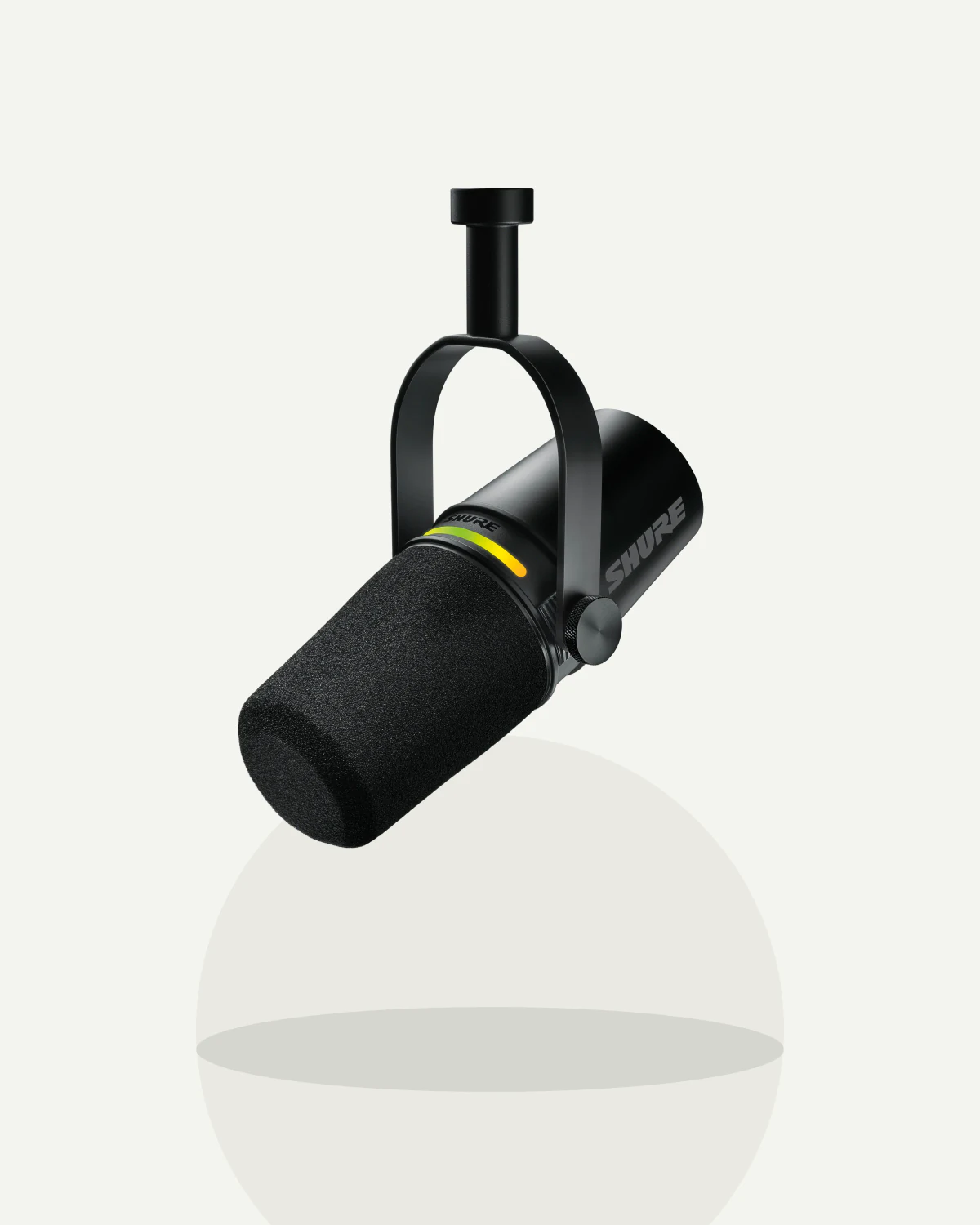 Original product photo
ONE IMAGE, ONE QUESTION
Context explains where it belongs. Detail makes a visible surface easier to inspect. Scale helps the buyer picture real use.
MADE WITH ADYVICONTEXT
A believable desk explains the product role without turning the scene into decoration.
DIRECTION
“Place it in a focused creator workspace. Keep the complete product central.”
 MADE WITH ADYVI
DETAIL
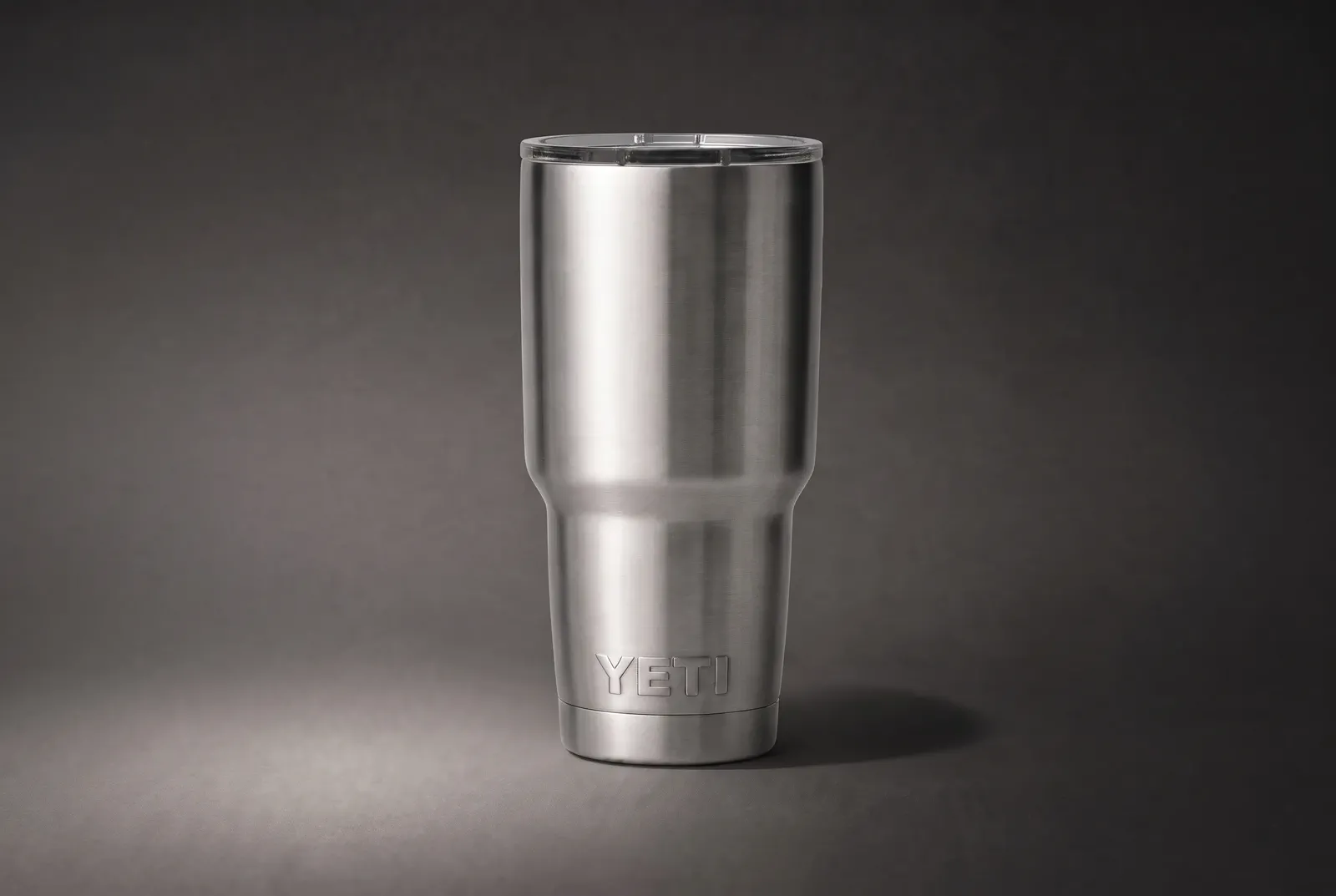
A product-led close view makes the rim, lid, brushed steel, taper, and controlled highlights easier to inspect.
DIRECTION
“Bring the brushed-steel surface closer. Keep the rim, lid, taper, and full material response readable.”
 MADE WITH ADYVI
SCALE
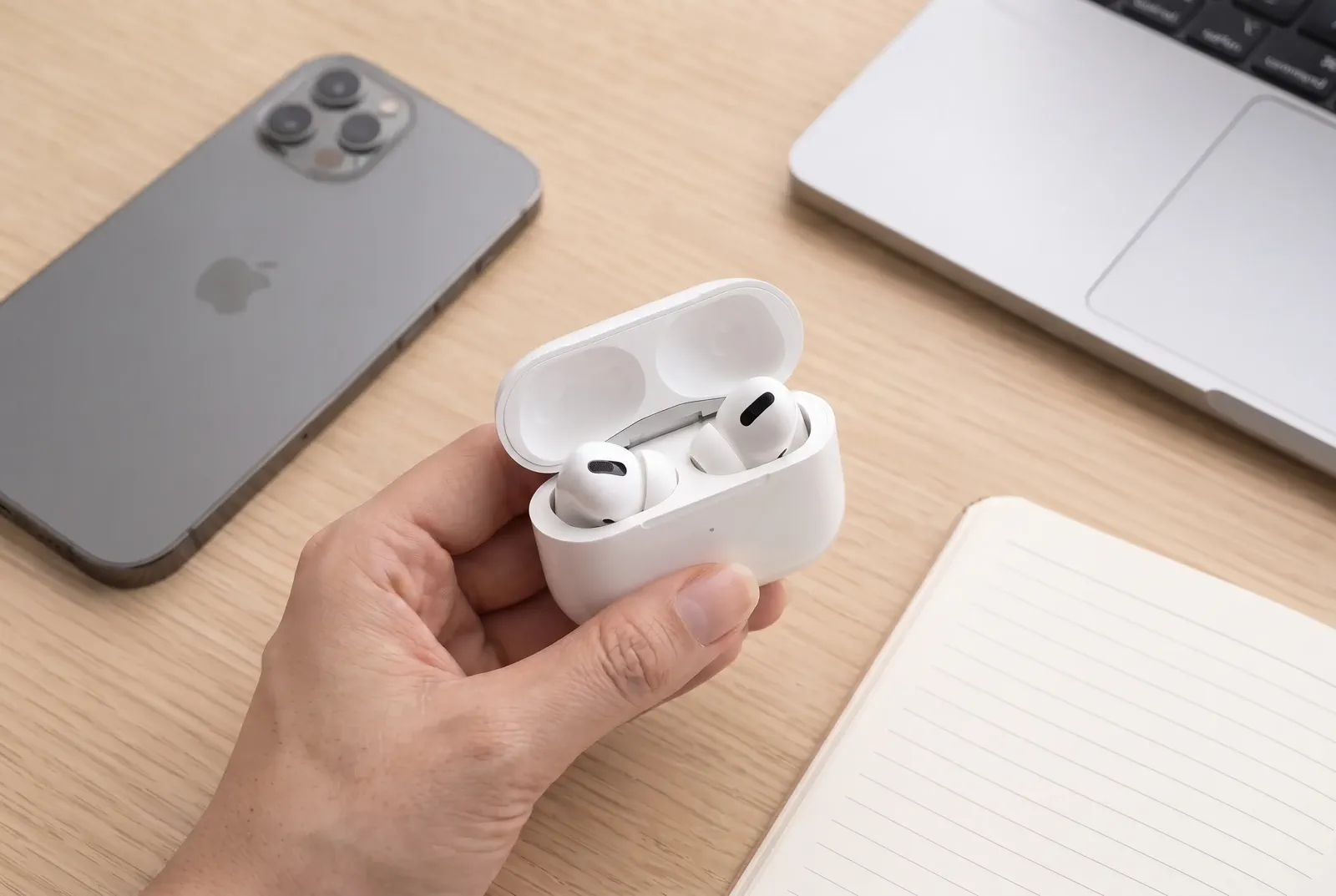
An open charging case held in one hand makes the compact scale immediate while keeping the earbuds and case readable.
DIRECTION
“Show the open charging case held naturally in one hand. Keep both earbuds, the case, and their compact scale visible.”
CUSTOMER EVIDENCE
The comments connect one buyer question to one image and a real listing task.
“Buyers kept asking how big the bottle was, so I wrote a direction to show it in a hand-scale setting. The image answers that one question at a glance.”
Devi_N
Adyvi customer
“I used Natural Lifestyle to show the mug on a real desk. It gives buyers the context of how it is used, but the product is still the main thing in frame.”
Colby_R
Adyvi customer
“I downloaded the finished image and added it to our Amazon detail page myself. It became one of the supporting images on the live listing.”
Priya_S
Adyvi customer
CREATE FOR THE QUESTION
Choose one buyer question, upload a source that can support it, describe the visual answer, then review whether the finished image actually communicates that role.
01 · YOUR PRODUCT
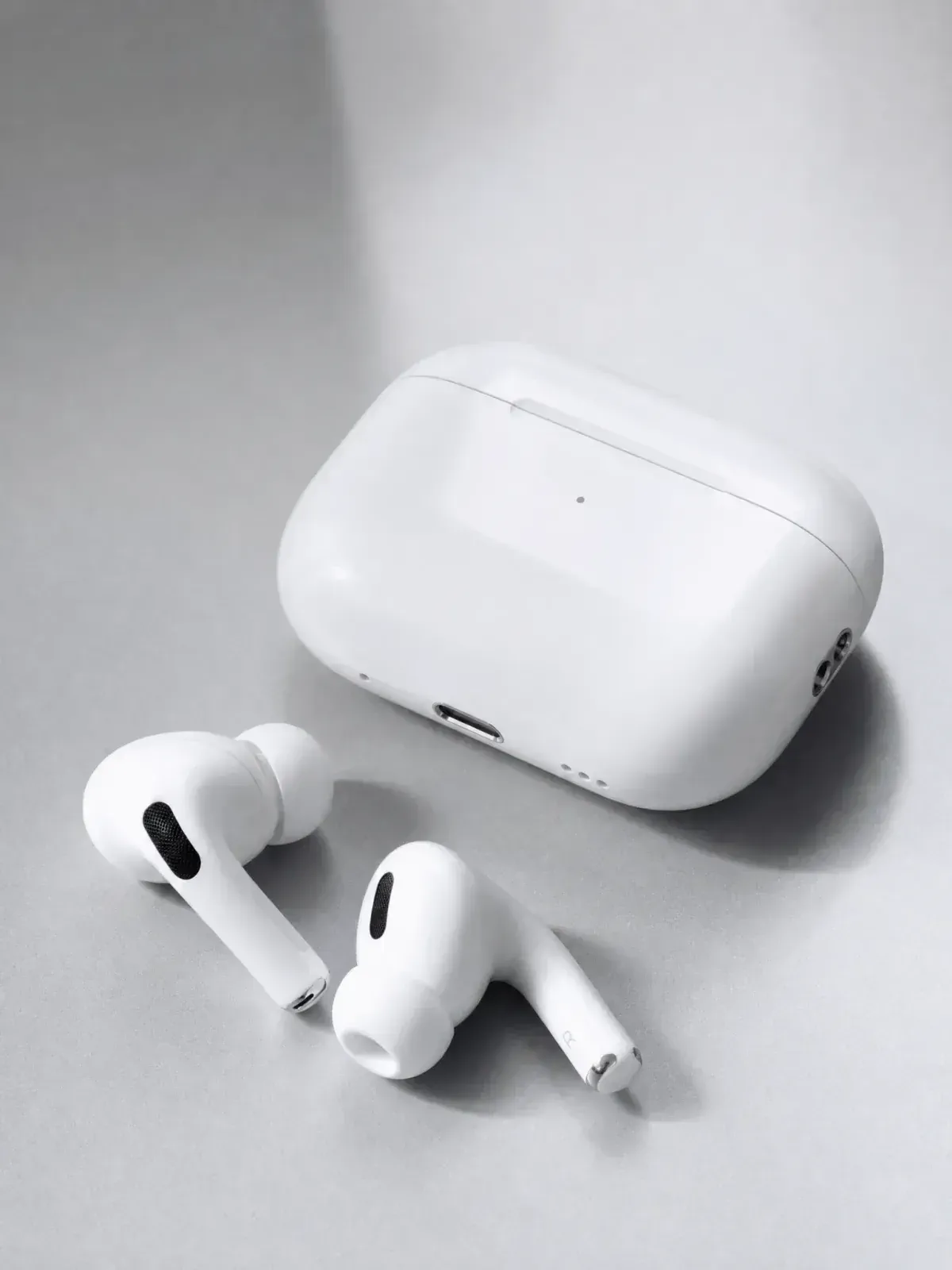 Original product photo
Start with one complete, clear product image that shows the surface that matters.
02 · DESCRIBE THE JOB
“Show the open charging case held naturally in one hand. Keep both earbuds, the case shape, and the compact real-world scale visible.”
BEFORE YOU CREATE
Plan the image set around buyer understanding, not decorative variety.
It should answer distinct questions about product identity, visible material or detail, context, use, and scale. Give each supporting image one clear role.
Choose a sharp image that shows the complete product and the surface needed for the image role. Use another angle when the detail is hidden.
It can support several focused requests when the relevant product surfaces are visible. Create each role separately so its composition stays clear.
Check product identity, the named detail, believable scale, visual hierarchy, and crop at the intended display size.
Start with the buyer question that blocks understanding most often, then choose a source angle and visual direction that can answer it directly.
CREATE WITH ADYVI
Start with one buyer question and one product photo that can answer it.