
Shooting & setup guide
Choose product photography props that explain the product
Use fewer, smarter props to explain scale, use or mood while keeping the product unmistakably in charge.
The right prop answers a shopper’s question; the wrong one steals attention or creates a misleading impression. Start by deciding what one supporting object needs to communicate.
This guide helps you choose props by purpose, scale, color and product category, then spot when a scene feels useful, distracting or over-styled.
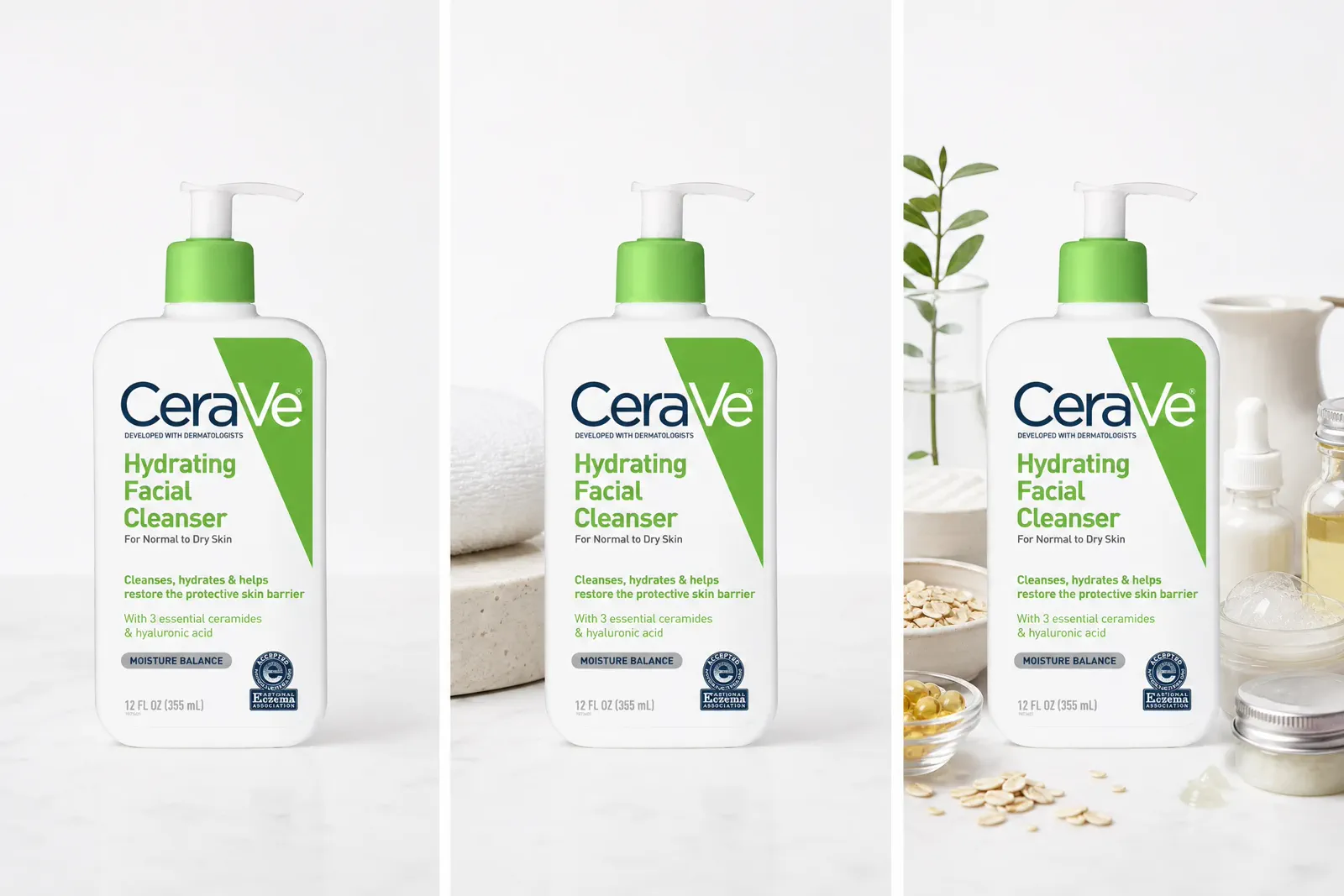
01 · Controlled comparison
Compare the product alone, supported and over-styled
Keep the product, camera, crop, light and background fixed. Change only the supporting objects so their contribution is visible.
State A
Product alone
Use the clean frame as the control. Note what the shopper can already understand about shape, color, label, finish and scale.
State B
One purposeful prop
Add one element that answers a specific question about use, scale, ingredient, process, audience or mood. Check whether understanding improves.
State C
Distracting or misleading props
Add the competing or ambiguous objects you are considering, then identify what becomes harder to read or what unsupported claim the scene may imply.
02 · Prop worksheet
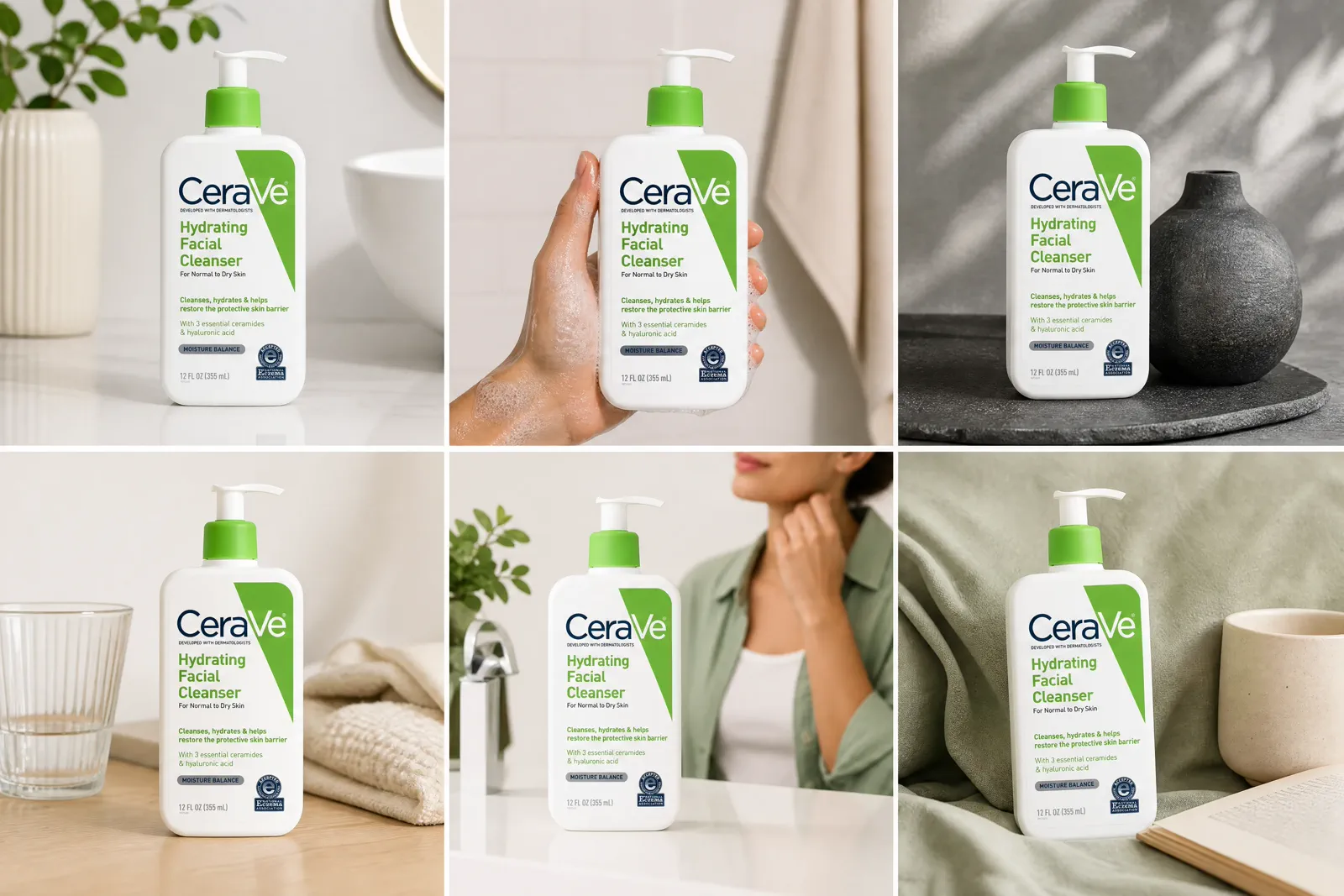
Assign one legitimate job before choosing the object
Review the candidate jobs, then assign one primary communication job. If none adds useful information, choose “No prop” and record why it is the stronger decision.
0 items selected for the next test or capture record.
03 · Product category
Change the prop logic when the product changes
A category does not need a fixed shopping list. It needs a communication job and a review of category-specific risk.
01BeautySeparate ingredient evidence from mood
Botanicals, water and lab-like objects can imply formulation or performance. Confirm literal claims, keep wet surfaces controlled and protect label readability.
02JewelryProtect scale, finish and security
Risers, hands and small objects can clarify size but also hide clasps, alter perceived color or compete with reflections. Keep valuable items stable and review fine edges.
03FoodKeep freshness and ingredients truthful
Use ingredients only when the relationship is accurate. Review food safety, condensation, spoilage and whether the styling represents the delivered product.
04ApparelShow fit, texture or use deliberately
Hangers, forms and accessories can clarify styling but may be mistaken as included. Keep garment shape, color and construction readable.
05HomeUse context to clarify scale and placement
Furniture and household objects can establish room scale, but mismatched perspective or an overcrowded scene can make the product harder to evaluate.
06TechnologyAvoid unsupported compatibility claims
Cables, screens and connected devices may imply included parts or working integrations. Confirm compatibility, ports and displayed behavior before publishing.
04 · Composition control
Keep the product visually primary
Purpose alone is not enough. Scale, position, color, texture and quantity decide whether a supporting element remains secondary.
01ScaleMake the prop believable but subordinate
Check real-world scale and perceived scale in the crop. A prop that fills more visual area than the product can take over even when physically smaller.
02PositionProtect the product silhouette and label
Keep critical edges, controls, openings and label text visible. Use overlap only when it supports depth without hiding decision-making detail.
03Color and valueUse contrast where attention belongs
Lower prop contrast or saturation when it competes with the product. Recheck colored reflections and background separation.
04TextureAvoid equal-detail competition
A highly textured prop can compete with product finish or create confusing reflections. Compare the frame at thumbnail and full size.
05QuantityAdd one element at a time
Start with one communication job and one object. Add a second only when it contributes a different, necessary message.
06Idea roleTie styling to the planned story
Use the ideas guide when the scene still lacks a clear image role. Choose the story before collecting decorative objects.
05 · Structural aids
Separate supports, risers and reusable scene assets
Some objects hold the product, some are intentional design elements, and some belong in a reusable library. Record the role so a production aid never turns into an accidental product claim.
Production support
Hold the product safely
Clamps, putty, fishing line or blocks may stabilize a product. Record how they contact it, protect the surface and plan any removal before capture.
- Do not remove a support when doing so creates an impossible or unsafe product state.
- Preserve believable contact and shadow.
Visible riser
Use height as intentional presentation
A plinth or riser can organize products and create hierarchy. Treat its material, scale, perspective, reflection and edge as part of the approved scene.
- Check whether the riser competes with the product.
- Keep the elevation believable for the product weight and balance.
Reusable library
Organize assets by communication job
Record each reusable prop’s job, dimensions, material, color, rights, safety limits and product-category risks. Organize by use, scale, process or mood rather than by a short-lived visual trend.
- Store an approved reference frame and the conditions that made it work.
- Retire assets that create repeated ambiguity or dominate different products.
06 · Publication review
Check truth, safety, rights and placement before publishing
The final frame must be useful and defensible, not only styled.
Product claim
Confirm that ingredients, materials, compatibility, performance and audience cues are supported by approved product evidence.
Included items
Make sure a shopper will not reasonably assume that a prop or accessory is included. Align the image, caption and listing copy.
Safety and handling
Review heat, liquids, food contact, electrical connections, balance, fragile items and any implied use behavior.
Rights and brand use
Clear logos, artwork, recognizable packaging, models and licensed assets before the image enters production.
Platform placement
Separate main-image requirements from supporting lifestyle images and verify the current official rules for the relevant platform and category.
Final visual hierarchy
Review the actual crop at thumbnail and full size. The product should remain the first and clearest subject.
Questions that need judgment
Frequently asked questions
These answers cover the exceptions and review tests that still depend on context.
Can an ingredient prop imply that the product contains something it does not?
Yes. A shopper may interpret a clearly presented fruit, flower, mineral, or laboratory object as a literal ingredient or performance claim. Separate real ingredients from mood references and compare the image with the product label and supported claims. If the intended mood still creates a misleading factual impression, remove or replace the prop.
How can I show scale without suggesting that an accessory is included?
Use a hand, model, familiar reference object or measured graphic only when the size relationship is clear. Keep the product visually primary, avoid packaging the reference as part of the set, and make the image order and listing copy consistent about what is included. Review the frame without its caption: if the accessory still looks like part of the purchase, choose a less ambiguous scale cue.
When should a riser or support remain visible?
Keep a riser visible when it is an intentional presentation element and its material, perspective and scale are part of the scene. A production support can be removed only when the final product position remains physically believable and the edit preserves contact, shadow and product shape. Do not remove a support to invent an unsafe or impossible use state.
What props are allowed in a platform main image?
The answer depends on the current platform, category and image role. Refer to the current official platform guidance at publication time. Keep the compliant main image separate from supporting lifestyle or contextual images; do not assume that a prop accepted in a secondary image is acceptable in the main image.
Skip the prop table
Turn one prop idea into a polished product scene
Upload a clear product photo and describe the scale, use, or mood you want the props to communicate. Adyvi can build the scene without sourcing and arranging every physical object.
Build my prop-led product scene