
Verify the values, then test the preview
Etsy listing photo size and image quality
Keep the first photo clear, sharp and recognizable across listing and thumbnail crops by protecting the product silhouette, important details and useful space before export.
Start with one clean master and switch between square, portrait and wide frames to see which product details disappear first. This reveals whether you need a safer crop or a new composition.
Then diagnose blur, compression, color shifts and upload problems by changing one variable at a time, so you fix the real cause instead of simply enlarging the file.
01 · Current values
Use Etsy’s current listing-photo requirements
Start with the exact size, format, color, and first-photo guidance below, then leave enough room around the item for Etsy’s square, portrait, and landscape thumbnail crops.
| Field | Current value | How to use it |
|---|---|---|
| Recommended listing-photo dimensions | At least 2000 px in both width and height is recommended | Export from a genuinely detailed source. Enlarging a small photo to 2000 px can create pixelation without adding product detail. |
| First listing-photo threshold | At least 635 px in both width and height | Etsy says a smaller first photo can appear lower in search. Treat 635 px as the threshold, not the quality target; use the 2000 px recommendation for a stronger result. |
| Supported file types | JPG, GIF, PNG, SVG, and HEIC | Animated GIF and transparent PNG are not supported. Transparent areas can appear black, so flatten transparency before upload. |
| File size and upload behavior | Files larger than 1 MB may upload slowly or fail on a slower connection | Preserve visible detail while reducing unnecessary file weight. This is upload guidance, not a universal hard size limit. |
| Color | Use sRGB | Etsy converts images to sRGB. Export in sRGB before upload and compare the result with the real item to reduce unexpected color shifts. |
| Ratio and displayed crop | Use a horizontal or square first photo | Keep the focal point near the center with extra space around the item, then use Etsy’s thumbnail adjustment tool to check square, portrait, and landscape views. |
For a consistent listing gallery, keep the remaining photos in the same general shape as the first photo and avoid placing important details near the outer edges.
02 · Protect the first photo
Preview the crop before upload
Start from the full-resolution master and create each crop directly from it. Keep the product and its visible facts unchanged while the frame changes.
Mark the product silhouette, label, important material or condition detail and the negative space required by the first-photo composition. Use the overlay to find a crop that remains clear rather than forcing the same edge clearance into every frame.
Compare the crop options on desktop, mobile, listing, and thumbnail views. Keep the final crop and note why the rejected versions hid or weakened important product information.
Switch the frame to inspect subject and crop safety
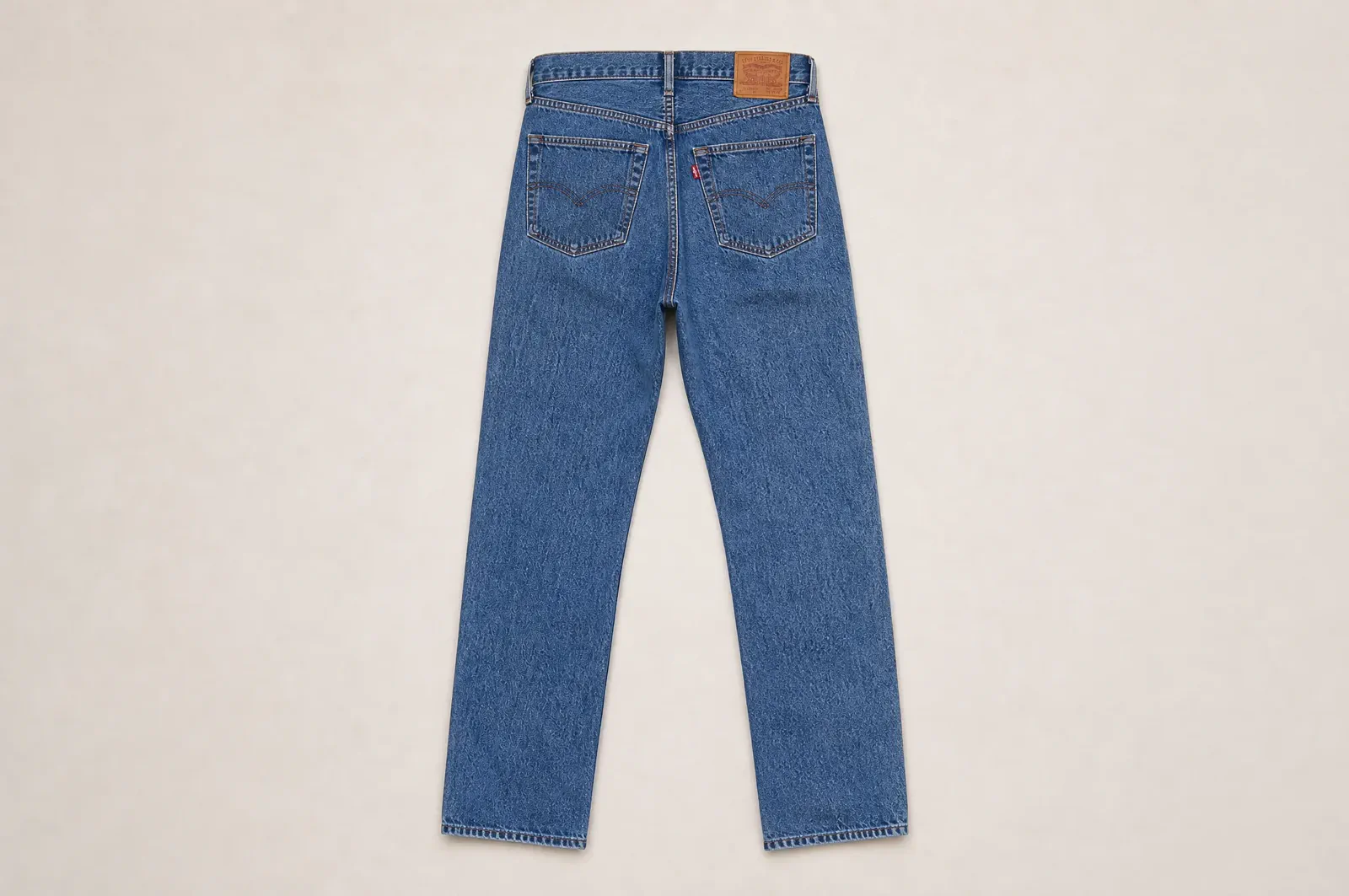 Central safe area
Switch the frame and keep the waistband, full leg shape, hems and visible condition details inside the crop-safe area.
03 · Diagnose quality
Find why the photo looks blurry before resizing it again
Compare the full-resolution original, exported file, and Etsy preview at the same scale. Start every test from the same original and change only one variable.
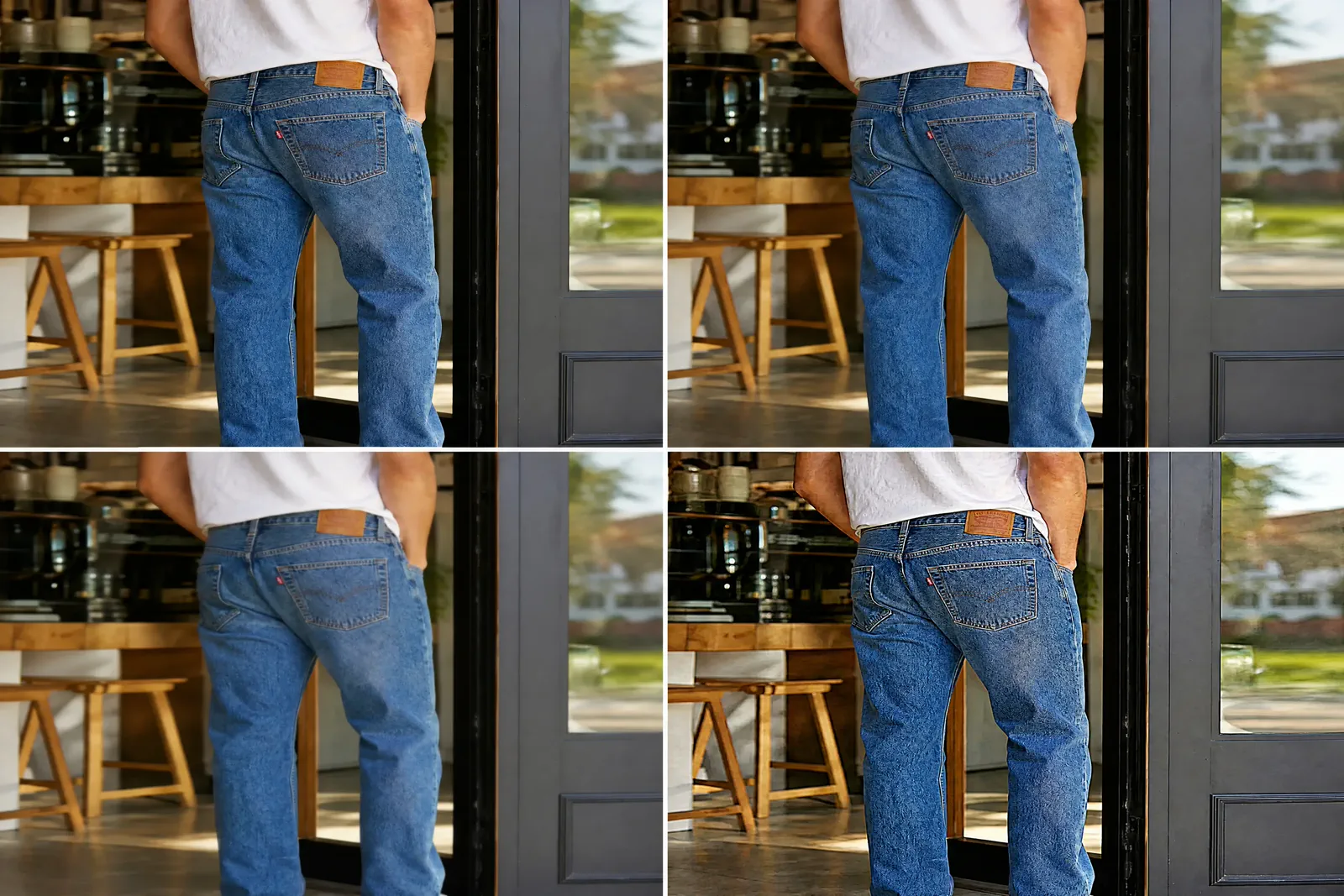
01The source lacks detail
Inspect the full-resolution original for missed focus or motion blur. New pixel dimensions cannot recreate product information absent from the source.
02The derivative was enlarged
Compare source detail with the required crop and output. Use a different source or composition when enlargement only magnifies weak detail.
03Compression or sharpening changed the edge
Create controlled exports from the same master, changing only the named setting. Compare fine texture, labels, gradients and product edges.
04The preview differs from the submitted file
Retain the exact upload and current preview capture. Verify the observed result on Etsy before attributing the change to platform processing.
04 · Isolate the file problem
Change format, color or upload conditions one at a time
Use current Etsy Help for platform facts and a direct-from-master export for every test branch.
| Symptom | Controlled check | Next action |
|---|---|---|
| File type is rejected or behaves unexpectedly | Verify the current supported list, then export one supported type while keeping crop, dimensions, profile and visible content fixed. | Upload the file to the same listing and compare the actual result before changing another variable. |
| Color shifts after export or upload | Compare the full-resolution original with a direct sRGB export under the same viewing conditions. | Use the current Etsy color guidance and preserve the original for rollback. |
| Transparency or animation does not behave as expected | Verify current Etsy support and create a branch that changes only the relevant format property. | Approve only after the actual listing preview confirms the result. |
| Upload is slow or fails | Check the current Etsy troubleshooting guidance, connection and exact file before changing unrelated image settings. | Record the retry condition and outcome rather than inventing a universal limit. |
05 · Final file check
Run the Etsy listing-image preflight
The file is ready only when the current size and format rules, source quality, crop, color, export, and real listing preview all pass.
Current source
The file meets the current Etsy dimensions, supported formats, first-photo guidance, and sRGB recommendation summarized above.
Full-resolution original
The full-resolution original is preserved with its dimensions, format, and color profile, and the product still matches the real item.
Crop and detail
Important product information remains visible in the final crop at the actual display size.
File and color
The supported format and color guidance are current; every diagnostic export starts directly from the master.
Real preview
The actual listing and thumbnail have been checked on desktop and mobile, and the product remains clear in each crop.
Correct next guide
Use the Etsy How-to for shot sequence and item evidence, or Ecommerce Optimization for deeper derivative and delivery tests.
Questions that need judgment
Frequently asked questions
These answers cover the exceptions and review tests that still depend on context.
When is upscaling a small image unlikely to help?
Upscaling is unlikely to help when the original lacks focus, motion-free detail, texture, or readable product information. It can change output dimensions, but it cannot reconstruct missing detail. Compare the original and export at the same scale before choosing a different photo or composition.
What should I do when desktop and mobile crops communicate different things?
Identify the product information each context must preserve, then test a crop-safe derivative from the same master. If one crop cannot serve both without hiding essential detail or changing product scale, record a justified alternate derivative and verify both in the current Etsy preview.
Keep the product clear in every crop
Create Etsy images with room for every important crop
Upload one clear product photo to Adyvi to create a crop-friendly first image, supporting detail, lifestyle scene, or promotional visual—without repeatedly shooting and manually cropping new versions.
Create my Etsy crop-ready image